Desktop and gaming PC repair in Chalandri
Computer not powering on, restarting all the time or getting slow? We diagnose, repair, maintain and upgrade desktop computers for home, office and gaming.
Shop: 12 Kolokotroni St, Chalandri · Mon–Fri 09:00–21:00, Sat 09:00–17:00
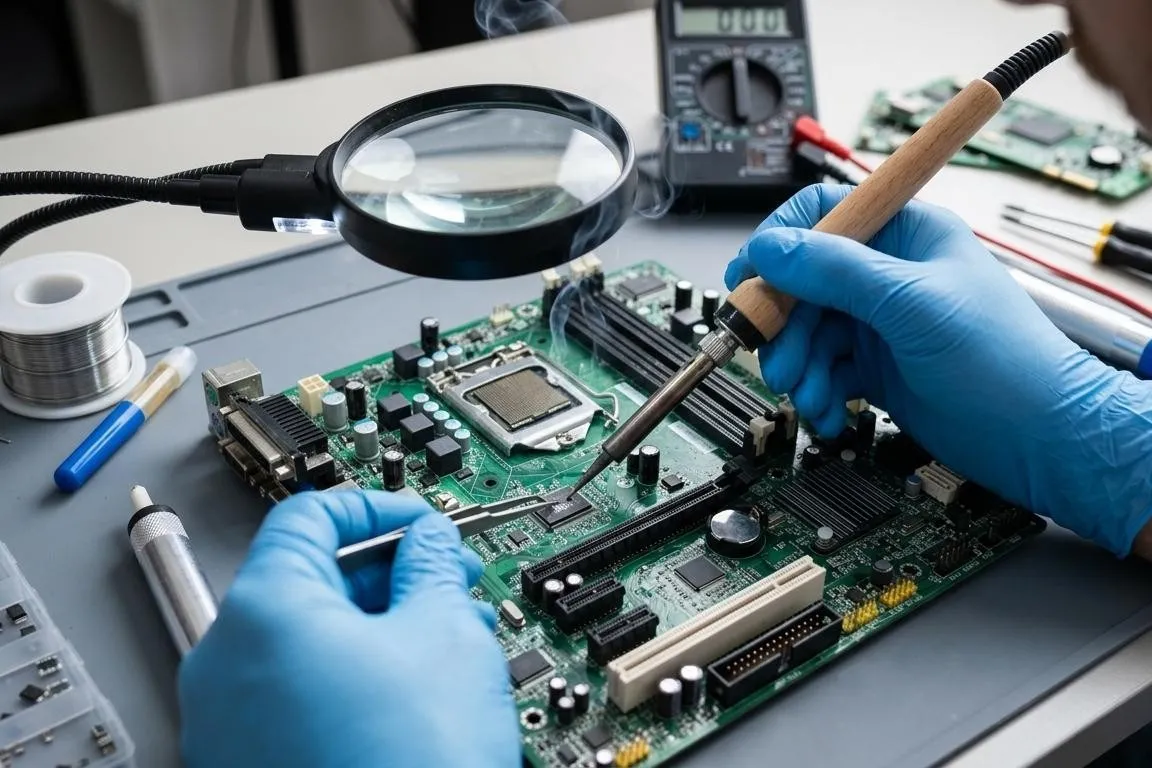
Faults and jobs we handle
Will not power on or shuts down suddenly
Checking the power supply, motherboard, memory and power button.
Blue screens and restarts
Diagnosing memory, drive, drivers and temperatures.
No picture
Checking the graphics card, cables and BIOS settings.
Noise and high temperatures
Cleaning, new thermal paste, checking fans and airflow.
Slow performance
SSD upgrade, more memory, a clean operating system installation.
Gaming PC underperforming
Checking for throttling, power delivery and GPU / CPU cooling.
Upgrades
New graphics card, power supply, memory or drive, with a compatibility check.
Building a new computer
For gaming, office or professional use.
Data and software
Moving files, removing viruses, installing Windows and applications.
Bent pins on a CPU or socket
Will not start after a processor swap? See straightening CPU and socket pins.
Gaming PCs: maintenance and upgrades
A gaming PC runs under heavy load for hours. Over time, dust, dried thermal paste and worn thermal pads push temperatures up and performance down. A proper clean and check often fixes problems that look like a “broken” part.
When an upgrade is needed, we first check that the power supply, motherboard and case support the new part, so you do not spend money on something that will not deliver.
If the fault is in the graphics card itself, see our graphics card repair page. For motherboard faults, see motherboard repair.
What you get
- A diagnosis that finds the real cause, not parts swapped blindly
- Cost and time explained before any work
- Stability and temperature testing before handover
Frequently asked questions
My computer will not power on at all. What could be wrong?
The most common causes are the power supply, the motherboard, the memory or a short circuit in one of the components. The check shows which one is responsible, so that only what is needed gets replaced.
Do I need to bring the monitor, keyboard and so on?
Usually the computer case and its power cable are enough. If the problem is with the picture or a peripheral, bring that part too. If you are not sure, give us a call.
Is it worth upgrading my old computer?
Often yes. An SSD, more memory or a better graphics card can make a big difference. We tell you honestly what is worth doing and what is not, depending on the motherboard and processor.
Do you build computers?
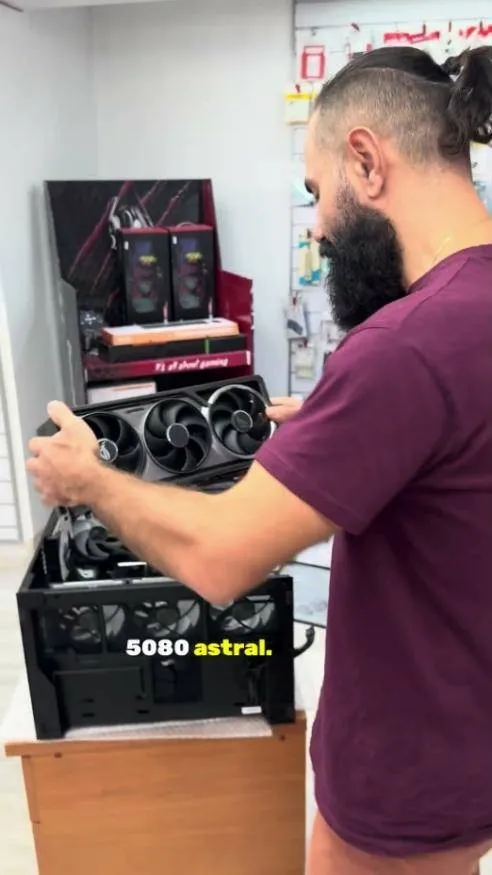
Yes, we build computers for gaming, office and professional use. See an example of a gaming PC we built in the video.
Problem with your computer? Bring it in for a diagnosis
Call us to describe the problem or drop by the shop at 12 Kolokotroni St, Chalandri. We explain what is needed before any work starts.